How to Sit Properly at a Desk for Better Posture
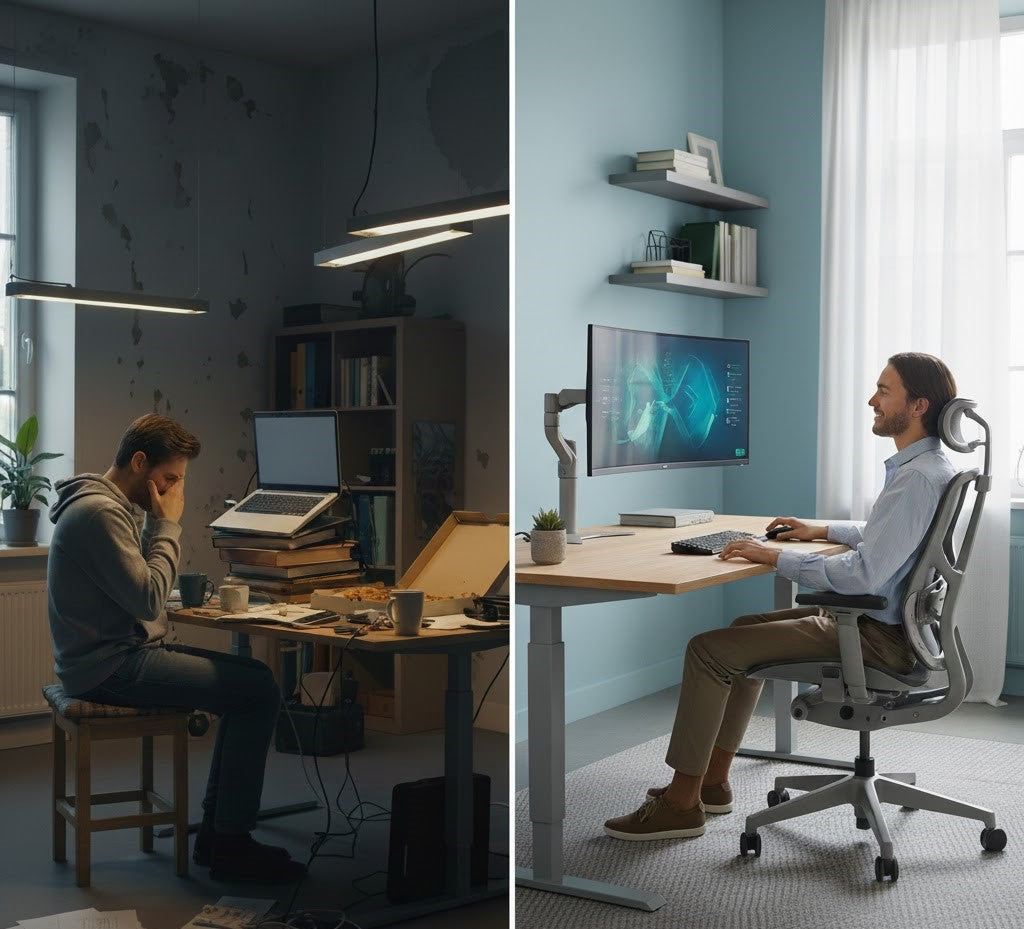
Long hours of seated work can place significant and often unnoticed strain on the body—particularly when your workspace is not aligned with the natural structure of your spine. Over time, small misalignments in chair height, desk position, or posture can accumulate, contributing to lower-back tension, neck and shoulder discomfort, reduced circulation, and decreased productivity. Bad posture, especially when sitting for extended periods, can lead to back pain, headaches, and other health problems that affect your overall well-being.
The encouraging reality is that posture is highly adjustable. With a few deliberate, ergonomically informed changes, you can substantially improve daily comfort, minimize musculoskeletal stress, and support long-term spinal health.
This guide provides a clear, step-by-step framework for how to sit properly at a desk, including practical instructions for adjusting your chair, optimizing your workstation, and integrating ergonomic accessories that reinforce neutral alignment. Together, these strategies create a posture-supportive environment designed to help you work with greater comfort, clarity, and resilience throughout the day.
Why Proper Desk Posture Matters
Whether you work from home, sit in a corporate office, or spend long hours studying, the way you sit directly influences both your comfort and your performance. How to sit properly at a desk is not a theoretical concern—it is a practical, evidence-based approach to preventing the physical strain that often accompanies modern, sedentary work.
Poor posture contributes to a cascade of challenges, including:
- Lower-back and hip discomfort from misaligned pelvic positioning
- Neck and shoulder strain caused by forward-leaning or elevated shoulders
- Fatigue and reduced concentration as the body expends more energy supporting a compromised position
- Long-term spinal stress, which can gradually develop into chronic musculoskeletal issues
- Back pain, headaches, and other symptoms that poor posture can lead to, sometimes requiring professional assessment if symptoms persist
Research consistently reinforces these concerns. Prolonged sitting increases spinal disc pressure and contributes to posture-related pain; in fact, sedentary desk work is identified as one of the leading contributors to work-related musculoskeletal disorders, according to findings from the CDC and OSHA. These issues do not arise overnight—they accumulate through repeated hours of unsupported sitting.
Importantly, proper posture does not mean holding your body rigid or sitting unnaturally straight. Instead, it involves maintaining a neutral, supported spinal alignment—a position where the body can work efficiently, breathe comfortably, and remain energized throughout the day. Practicing good posture is essential for maintaining spinal alignment and preventing health problems associated with poor sitting habits.

The Anatomy of Proper Sitting Posture
Proper sitting posture begins with understanding the structure it is meant to support: the spine. The ideal seated position maintains the spine’s natural S-curve, allowing each segment—the cervical, thoracic, and lumbar regions—to remain balanced rather than compressed, rounded, or overextended. Maintaining this balance is crucial, as it requires muscular coordination to support proper alignment and the spine. Achieving this alignment reduces stress on joints, muscles, and discs, and creates a stable foundation for long hours of focused work.
Essential Alignment Points
Pelvis
The pelvis serves as the base of your seated posture, and even minor shifts dramatically influence everything above it.
- When the pelvis rotates backward, the lower back collapses, leading to slouching and increased lumbar pressure.
- When it tips too far forward, the lower back becomes over-arched, causing stiffness and fatigue.
Aim for a neutral pelvic position, where your sit bones rest evenly on the seat and the spine maintains its natural curvature. This is the cornerstone of proper alignment.
Lower Back (Lumbar Curve)
The lumbar spine requires consistent support to maintain its shape during prolonged sitting. Without reinforcement, the lower back flattens, placing strain on muscles and ligaments. Strengthening the core muscles, including the abdominals and lower back, is essential for supporting the lumbar curve and maintaining proper posture. A high-quality lumbar pillow—such as the Serenform Atlas Lumbar Pillow—helps preserve this natural curve, promoting spinal stability and reducing cumulative strain.
Shoulders
The shoulders should remain relaxed, gently drawn back, and symmetrical. Avoid allowing them to round forward, a common habit that tightens the chest and contributes to upper-back discomfort.
Head & Neck
Position the head so the ears align over the shoulders and the chin remains parallel to the floor. Leaning forward, even slightly, increases the load on the neck and upper spine.
When the pelvis is properly positioned, the rest of the spinal alignment becomes significantly easier to maintain. Thoughtful lumbar support reinforces this posture, helping your body stay aligned with minimal effort throughout the day.

Quick Fixes for Immediate Pain Relief
If you are already experiencing discomfort in your back, hips, or shoulders, you are in good company. Millions of individuals report back pain, particularly during long or uninterrupted work sessions. The encouraging news is that many of these symptoms stem from posture-related habits that can be improved with a few intentional adjustments. Incorporating regular exercise and movement routines can help improve your posture and support long-term relief.
Below is a practical, evidence-informed reset you can use at any point in the day to realign your body and alleviate pressure. Remember, it may take a few weeks of consistent effort to notice significant improvements in your posture and pain relief.
Your Pain-Relief Sitting Reset
1. Sit fully back in your chair
Avoid perching on the front edge of the seat. Sitting fully back allows the chair—and any added ergonomic support—to stabilize your spine rather than forcing your muscles to do all the work.
2. Reinforce your lower back with a lumbar pillow
Supporting the lumbar curve reduces tension throughout the entire spine. A structured pillow maintains your natural alignment and prevents the gradual collapse into a slouched position.
3. Ground your feet on the floor or a footrest
Both feet should rest firmly to stabilize the pelvis and improve circulation. Dangling feet or unsupported legs often contribute to hip tightness and lower-back discomfort.
4. Position your knees at or slightly below hip level
This angle reduces pressure on the hips and tailbone and helps maintain a neutral pelvis. If your chair sits too low, a footrest or seat cushion can help elevate your hips to the correct height.
5. Use a seat cushion for even weight distribution
A well-designed cushion minimizes pressure points, supports pelvic alignment, and helps prevent tailbone compression. The Serenform Summit Seat Cushion is engineered to promote a neutral sitting posture, allowing you to sit more comfortably for extended periods.
6. Relax and reset your shoulders
Roll your shoulders gently down and back, ensuring they remain relaxed rather than elevated or rounded. This small adjustment reduces upper-back and neck strain.
These adjustments offer immediate relief and create a strong foundation for healthier long-term posture. When used consistently, especially with ergonomic tools that support the spine, they can meaningfully reduce daily discomfort. Maintaining a static posture for extended periods can contribute to discomfort, so it's important to incorporate regular movement and avoid staying in one position too long.

How to Adjust Your Chair for Correct Height & Alignment
A supportive workspace does not require an expensive chair—what matters far more is how well your chair is adjusted to fit your body. Maintaining a proper sitting position is essential to prevent discomfort and support spinal health. Proper chair alignment establishes the foundation of an ergonomic seating posture, influencing everything from spinal load to muscle tension and circulation. By tailoring your chair’s settings to your height and natural posture, you create a stable base for comfortable, sustainable work.
Steps to Adjust Your Chair Correctly
Chair Height
Begin by adjusting the height of your chair so your body maintains balanced, joint-friendly angles.
-
Follow the 90–90–90 rule: hips, knees, and elbows should each rest comfortably at or near a 90-degree angle.
- Your feet must remain flat and grounded. If they cannot reach the floor, a footrest or supportive platform ensures proper alignment and prevents hip strain.
Seat Depth
Seat depth affects how well your thighs are supported and how much pressure is placed behind your knees.
- Leave a 2–3 inch space between the back of your knees and the chair’s front edge. This gap promotes healthy circulation and prevents compression.
- Avoid sitting in the same position for too long, as this can cause muscle tightness; periodically adjust your seat depth or shift your posture to promote comfort and flexibility.
Armrests
Armrests should support your arms without elevating your shoulders or encouraging slouching.
- Adjust them so your shoulders stay relaxed and neutral, not lifted or rounded.
- Your elbows should gently rest at your sides, forming a natural angle without reaching outward.
Backrest Angle
A subtle recline reduces strain on the spine and encourages a more relaxed, supported sitting posture.
- Aim for a 100–110° recline, which alleviates load on the lower back while keeping you comfortably upright for focused work.
Enhancing Chair Support with Ergonomic Accessories
If your chair lacks built-in lumbar support—or if the seat fails to promote proper pelvic alignment—ergonomic accessories can correct these issues effectively. A lumbar pillow helps maintain the natural curve of your lower spine, while a seat cushion supports the pelvis, encourages an upright posture, and minimizes tailbone pressure. These additions not only support alignment but also help strengthen the muscles responsible for maintaining good posture, transforming even a basic office chair into a more supportive ergonomic setup.

Desk & Monitor Alignment for Better Focus and Less Strain
Even the best sitting posture becomes difficult to maintain if your desk and monitor are not positioned to support it. Managing your time sitting is also crucial, as prolonged periods at your desk can increase the risk of poor posture and related health issues. A poorly arranged workstation can force you to crane your neck, lift your shoulders, or reach forward—small adjustments that, over time, contribute to neck strain, shoulder tension, wrist discomfort, and reduced productivity. Establishing proper ergonomic monitor height and desk alignment ensures that your posture is supported rather than challenged throughout the day.
Guidelines for an Ergonomically Aligned Desk and Monitor
Monitor Height
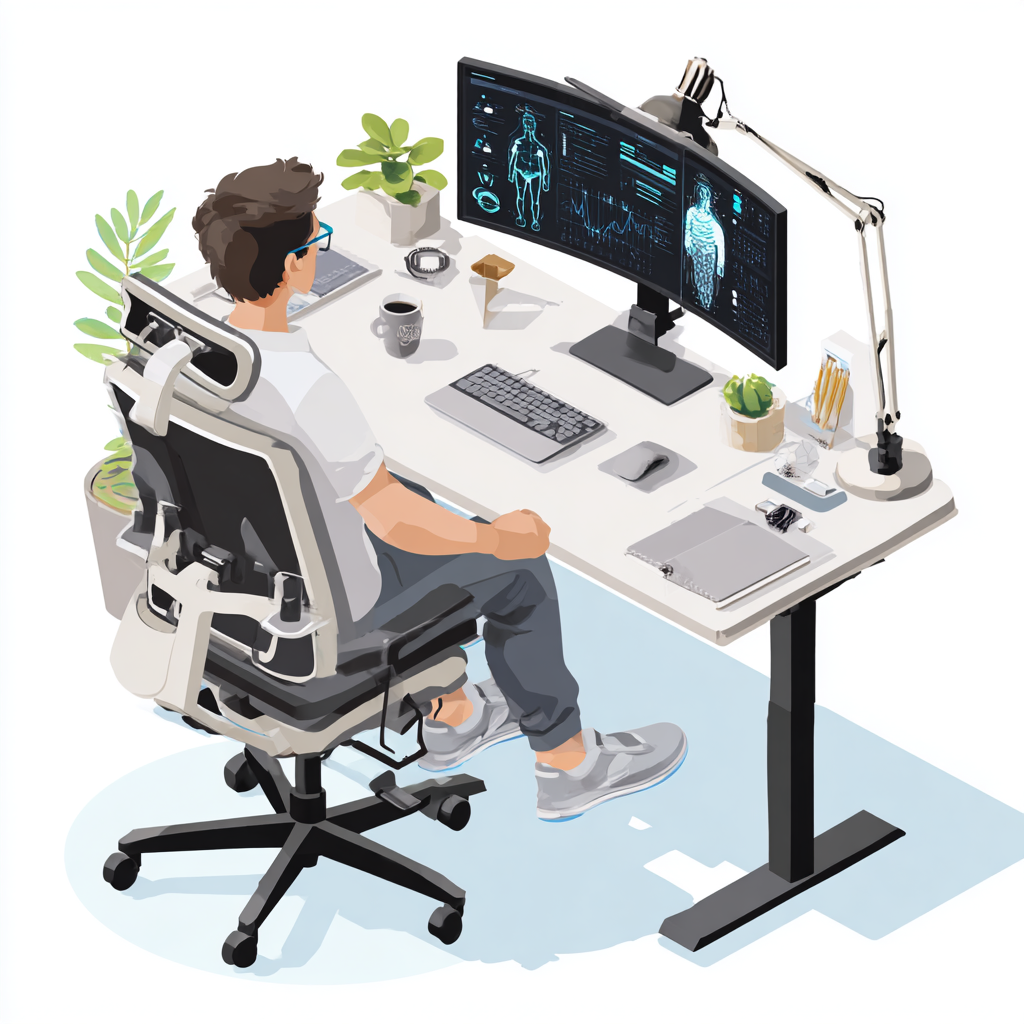
Position the top of your screen at or slightly below eye level. This keeps your gaze naturally forward rather than angled downward or upward, minimizing strain on the neck and upper spine.
Monitor Distance
Place the monitor approximately an arm’s length from your eyes. This distance reduces visual fatigue and helps you maintain a stable head and neck position without leaning forward.
Keyboard & Mouse Positioning
Your keyboard and mouse influence both upper-body alignment and wrist comfort.
-
Keep elbows at roughly 90 degrees, close to the body, with shoulders relaxed.
-
Maintain neutral wrist alignment, avoiding excessive upward or downward bending.
-
Position tools close enough that your arms can remain supported without reaching.
Desk Height
Most desks fall within a standard range of 25–29 inches, which is suitable for many individuals. However, your optimal desk height depends on your body proportions. The key indicator is whether your elbows rest comfortably at 90 degrees when your hands are on the keyboard. If the desk is too high or low, wrist and shoulder discomfort often follows.
Why Proper Desk Alignment Matters
A workstation that supports healthy posture does more than reduce physical strain—it enhances cognitive performance. When the spine is aligned and the upper body remains relaxed, the body uses less energy to stabilize itself. As a result, oxygen flow improves, fatigue decreases, and sustained focus becomes easier. In settings where long hours of concentration are required, these subtle improvements make a meaningful difference.

The Role of Ergonomic Accessories (When the Chair Isn’t Enough)
Even with diligent adjustments, most standard office chairs are not engineered to provide comprehensive, all-day support. Their structures often lack the nuanced contouring needed to maintain proper desk posture, especially during long periods of focused work. This is where ergonomic accessories play a pivotal role. These tools are designed to complement your existing chair, offering targeted support that improves alignment, reduces strain, and enhances overall comfort. Additionally, ergonomic accessories can help support dynamic posture during various physical activities, not just while sitting, promoting safer movement and reducing the risk of injury.
Essential Ergonomic Tools for a Healthier Workspace
Seat Cushion
A well-designed seat cushion promotes optimal pelvic alignment, reduces tailbone and hip pressure, and encourages a more upright sitting posture. This added support helps maintain a neutral spine and minimizes the discomfort associated with prolonged sitting.
Lumbar Pillow
The lower spine requires consistent reinforcement to maintain its natural curve. A structured lumbar pillow provides this support, preventing the gradual rounding or collapsing of the lower back that often leads to discomfort.
Footrest
A footrest is essential when your feet do not comfortably reach the floor or when your knees rise higher than your hips. Elevating and grounding the feet helps stabilize the pelvis, supports circulation, and prevents unwanted pressure in the lower back.
Laptop Stand
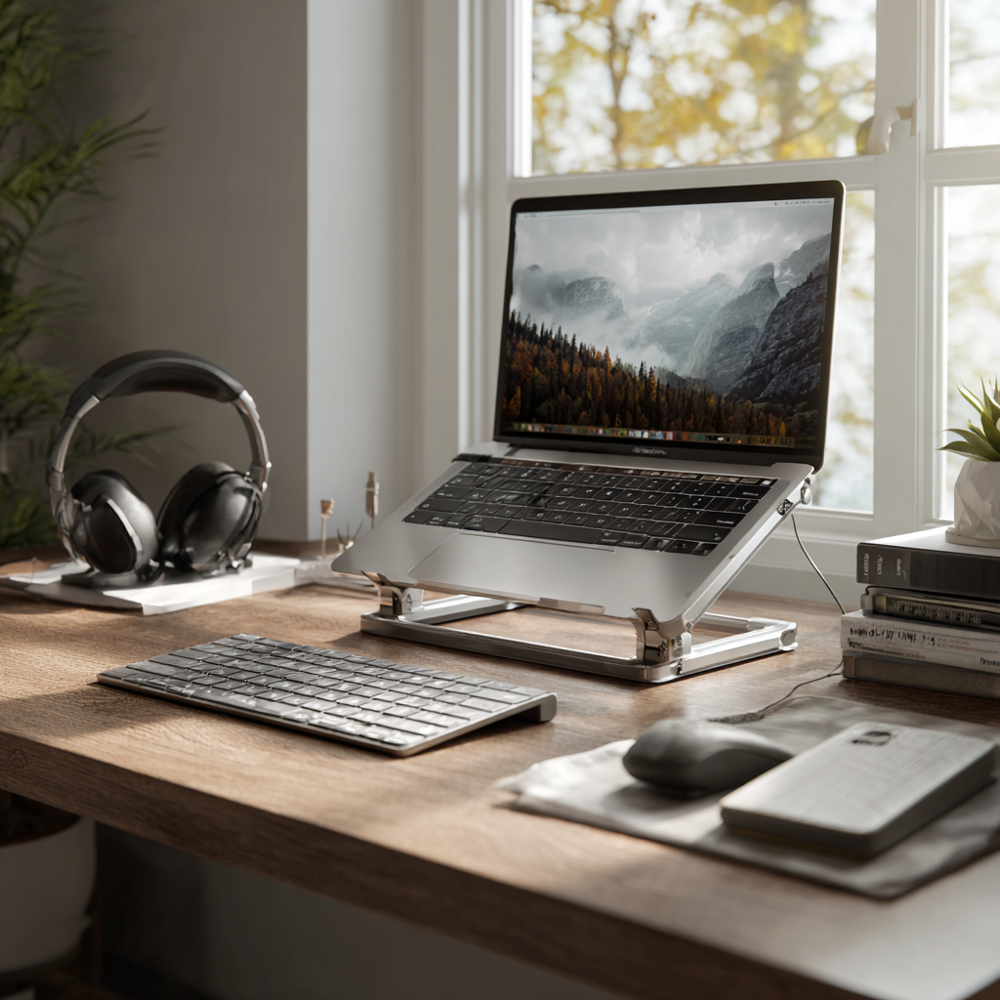
Laptop screens naturally sit lower than ideal ergonomic levels, prompting forward head posture and neck strain. A laptop stand elevates the screen to eye level, helping you maintain a neutral neck and shoulder position.
External Keyboard & Mouse
When using a laptop stand, an external keyboard and mouse allow your arms and wrists to remain in an ergonomic position. This configuration helps prevent wrist extension, shoulder elevation, and excessive reaching.
Why These Tools Matter
When combined, these accessories transform even a basic, non-ergonomic chair into a more supportive and comfortable seating environment. Rather than forcing your body to adapt to your workspace, they help your workspace adapt to you—creating a foundation for healthier posture and more productive work. In addition to using ergonomic tools, staying active by incorporating regular movement throughout your day helps prevent stiffness and further supports good posture.

Healthy Sitting Habits for Students and Long-Hour Sitters
Sustained concentration—whether for studying, gaming, or extended work sessions—often leads to unintentional slouching and compromised posture. When focus intensifies, awareness of body positioning tends to fade, and small deviations from neutral alignment gradually create discomfort and fatigue. Establishing intentional habits can help maintain correct posture for long hours, supporting both comfort and productivity.
Posture Habits That Support Long-Term Alignment
Take movement breaks every 30–45 minutes
The body is not designed for prolonged stillness. Standing, stretching, or walking briefly helps restore circulation, reduces muscular tension, and resets your posture before stiffness develops.
Reset your posture each time you return to your chair
Use a consistent posture checklist—ground your feet, align your hips, support your lumbar curve, and relax your shoulders. Over time, this ritual becomes second nature and reinforces healthy sitting patterns.
Keep your hips slightly above knee level
This simple adjustment helps maintain a neutral spine, encourages an upright posture, and reduces pressure on the hips and lower back. A supportive cushion can help achieve this alignment if your chair sits too low.
Avoid leaning forward toward the screen
Leaning toward the monitor places extra strain on the neck and upper back. Instead, adjust the screen to meet your posture by repositioning your monitor, adding a stand, or adjusting viewing distance.
Why These Small Habits Matter
While each adjustment may seem minor on its own, their cumulative effect is significant. A single positive habit practiced consistently can reshape long-term posture behaviors, reduce discomfort, and support healthier study or work sessions over time. Posture is not a one-time fix—it is a daily practice strengthened through small, repeatable actions.

Step-by-Step: How to Sit Properly at a Desk (Master Checklist)
Maintaining proper desk posture becomes significantly easier when you have a clear, repeatable guide to follow. The checklist below distills the essential elements of healthy sitting into a simple, actionable sequence you can reference throughout your workday. By developing awareness of these key alignment points, you create a more supportive foundation for long-term comfort and spinal health.
Master Posture Checklist
Feet flat or fully supported
Your feet should rest firmly on the floor or a footrest to stabilize your lower body and prevent strain on the hips and lower back.
Hips slightly above knee level
This position encourages a neutral pelvic tilt, reduces pressure on the tailbone, and promotes an upright, comfortable posture.
Neutral pelvis supported
Sit on your sit bones rather than leaning backward or tucking the pelvis. A supportive seat cushion can help maintain this alignment.
Lumbar curve reinforced
Use a lumbar pillow to maintain the natural curvature of your lower spine, preventing slouching and reducing muscular fatigue.
Shoulders relaxed and gently back
Keep shoulders down and open—neither rounded forward nor elevated—so the upper body remains balanced and tension-free.
Monitor positioned at eye level
Align the top of your screen with your natural line of sight to avoid leaning forward or tilting your neck.
Wrists in a neutral position
Ensure your wrists remain straight—not flexed or extended—while typing or using a mouse to reduce strain on the forearms and hands.
Weight distributed evenly
Avoid leaning to one side or crossing your legs for extended periods. Balanced weight distribution reduces pressure points and supports spinal alignment.
Take regular micro-breaks
Stand, stretch, or move for 30–60 seconds every 30–45 minutes to reset posture and reduce muscle tension.
Together, these steps make proper sitting posture easier to achieve and sustain throughout the day, helping you work more comfortably and efficiently.

When You Should Consider Upgrading Your Setup
Even with careful posture adjustments and a well-intentioned workstation, there are times when your current setup simply does not provide the support your body needs. Certain patterns of discomfort or fatigue signal that your chair, desk, or accessories may be falling short—and that more specialized ergonomic solutions are warranted.
Signs Your Setup Needs an Upgrade
Persistent lower-back or hip pain
Ongoing discomfort often indicates that your pelvis and lumbar spine are not adequately supported, causing the surrounding muscles to overcompensate.
Pressure or discomfort in the tailbone area
Tailbone sensitivity typically results from insufficient cushioning, poor seat contouring, or prolonged weight concentration in one area.
Numbness or tingling in the legs or feet
These sensations can stem from compressed nerves or restricted circulation, often caused by improper chair height or uneven weight distribution.
Shoulder and neck strain
If your upper body feels tense or fatigued, your monitor height, desk alignment, or arm support may be forcing your posture into an unnatural position.
Fatigue after relatively short periods of sitting
Early onset of discomfort or tiredness suggests your body is working harder than necessary to maintain posture.
Difficulty maintaining focus due to discomfort
Physical strain directly affects cognitive performance. If pain or stiffness distracts you from your work, your setup may be limiting your productivity.
How Ergonomic Upgrades Can Help
If you recognize these signs, introducing targeted ergonomic support can make a measurable difference. A high-quality seat cushion and lumbar pillow can address foundational alignment issues, reduce pressure points, and help reestablish a neutral posture that supports long-term comfort.
Explore:
- Serenform Summit Seat Cushion – for pelvic alignment, reduced pressure, and enhanced sitting comfort
-
Serenform Atlas Lumbar Pillow – for structured lumbar reinforcement and improved spinal stability
These tools help transform your existing chair into a more supportive, posture-friendly workspace.

Conclusion: Build a Workspace That Supports Your Posture and Your Work
Sitting with proper posture is not solely a matter of personal effort—it is the result of working within an environment that supports the natural structure of your body. When your chair, desk, and accessories are aligned with ergonomic principles, maintaining healthy posture becomes significantly easier and far more sustainable.
By creating a workspace that reinforces neutral alignment, encourages balanced movement, and minimizes unnecessary strain, you can work with greater comfort and clarity throughout the day. Thoughtfully designed ergonomic tools, combined with consistent posture habits, help protect your long-term spinal health, reduce daily discomfort, and enhance your overall productivity.
You do not need a full office overhaul to begin experiencing these benefits. Small, intentional changes—adjusting your chair height, elevating your screen, or adding targeted support like a seat cushion or lumbar pillow—can create immediate improvements.
Start with one adjustment today. Over time, these incremental steps form a foundation of comfort, alignment, and well-being that supports both your posture and the quality of your work.